4 mins min read • 5 November 2026


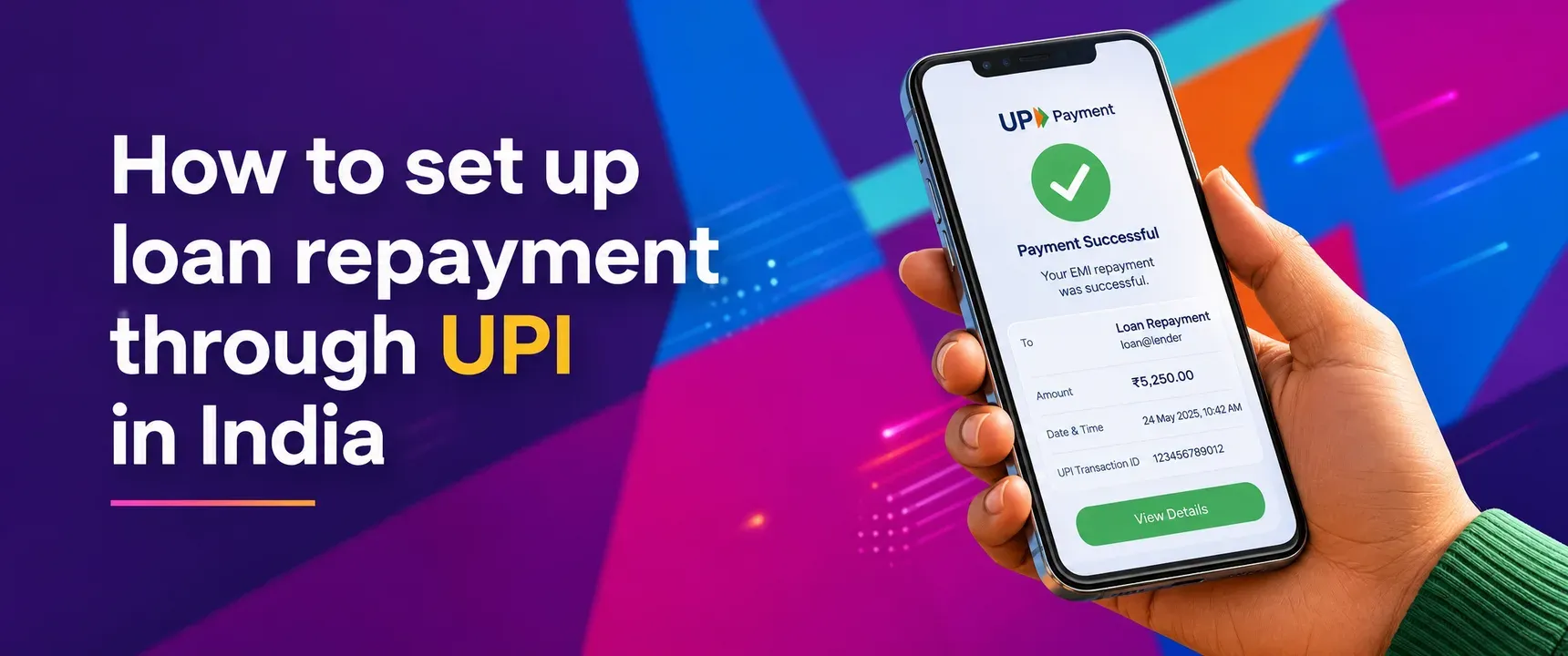
Table of content
How to set up loan repayment through UPI in India
Why repay loans via UPI?
Steps to set up UPI repayment
What to confirm before paying
How to avoid missed EMI dues
What happens if a UPI payment fails?
FAQs
Missing a single EMI due date can trigger late fees, hurt your credit profile, and create unnecessary stress. For borrowers who use digital lending platforms like mPokket, repaying through UPI offers a familiar, fast, and transparent way to stay on track. This guide walks you through the exact steps to set up loan repayment through UPI in India, what to verify before paying, and how to prevent missed dues.
Follow our Whatsapp Community for more offers and updates.
Join nowUPI has become the default payment rail for most Indians. It works around the clock, requires no card details, and settles transactions within seconds. For loan repayment, this means borrowers can pay EMIs from any bank account linked to a UPI app without visiting a branch or remembering net banking credentials.
Digital lenders like mPokket integrate UPI into their repayment flow so borrowers can complete payments inside the app itself. This reduces friction and gives borrowers a timestamped confirmation they can reference if any dispute arises later.
Follow these steps to repay your mPokket loan EMI through UPI. The process is similar on most digital lending apps in India.
Select UPI as payment mode. Choose UPI from the list of repayment options. The app may display a UPI payment link, a QR code, or ask you to enter your UPI ID.
Choose your UPI app. The system redirects you to your preferred UPI app (Google Pay, PhonePe, Paytm, BHIM, or your bank's UPI app). If a QR code is shown, scan it from your UPI app directly.
Verify payment details. Before authorizing, confirm the payee name matches the lender, the amount matches your EMI, and the bank account you are paying from has sufficient balance.
Authorize with your UPI PIN. Enter your UPI PIN to complete the transaction. You will receive a success notification on both the UPI app and the lender's app within seconds.
Save the confirmation. Take a screenshot or note the UPI transaction reference number. This serves as proof of payment if the lender's records take time to update.
Paying the wrong amount or sending funds to an incorrect UPI ID can create complications. Before each payment, verify these details inside your lender's app or official communication.
Check the exact EMI amount. Interest, processing charges, or partial prepayments can change the figure from month to month. The mPokket app displays the current outstanding clearly in the repayment section.
Confirm the due date. Paying a day late may attract penalties. Set a personal reminder two to three days before the due date so you have time to arrange funds if needed.
Validate the payee. Only use the UPI ID, payment link, or QR code provided inside the official app or through verified lender communications. Never pay to a UPI ID shared via an unverified call, SMS, or email.
Consistency matters more than speed. A single missed EMI can affect your credit profile and trigger additional charges. These habits can help you stay disciplined.
Enable autopay or UPI mandate if your lender supports it. mPokket and similar platforms may offer an autopay option where the EMI is debited automatically on the due date. This removes the risk of forgetting entirely.
Keep a buffer in your bank account. UPI payments fail when the linked account has insufficient funds. Maintaining a small surplus above your EMI amount prevents failed transactions on the due date.
Track your repayment schedule inside the app. The mPokket app shows upcoming EMI dates, amounts paid, and remaining tenure. Reviewing this regularly helps you plan monthly expenses around your loan obligations.
Occasionally, a UPI transaction may fail due to server issues, network problems, or insufficient balance. If the amount is debited but not credited to the lender, the funds typically return to your bank account within 24 to 48 hours as per NPCI guidelines.
Contact your lender's support team with the UPI transaction reference number if the payment does not reflect within a business day. Avoid making a duplicate payment until the status of the first transaction is confirmed.
Keeping your mPokket app updated ensures you have access to the latest repayment features, payment links, and support channels. Outdated app versions may cause payment flow errors.
Setting up UPI loan repayment takes just a few minutes, but the habit of paying on time builds long term financial discipline. Whether you are a salaried professional, a fresher, or self employed, using UPI through platforms like mPokket can help you manage EMIs conveniently and transparently. Start by opening your lender's app, selecting UPI, and completing your next EMI today.
Yes. Digital lenders like mPokket allow borrowers to repay EMIs through any UPI app. Select UPI as the payment method inside the lender's app, authorize with your UPI PIN, and the payment settles within seconds.
You pay from a UPI app to the lender's registered UPI ID or through an in app payment link. The amount is debited from your linked bank account and credited to the lender in near real time, with instant confirmation.
If the amount is debited but not credited, NPCI guidelines require the funds to return within 24 to 48 hours. Share the UPI transaction reference number with your lender's support team to resolve the issue quickly.
How to Apply for a Business Loan for Self-Employed Professionals
5 min read • 18 July 2026
What Are the Eligibility Requirements for an Instant Rs. 1000 Loan?
3 min read • 5 June 2026
Working Capital Loan, Cash Credit, or Overdraft: Which One Actually Fits Your Business?
3 min read • 16 September 2026
