4 mins min read • 28 October 2026


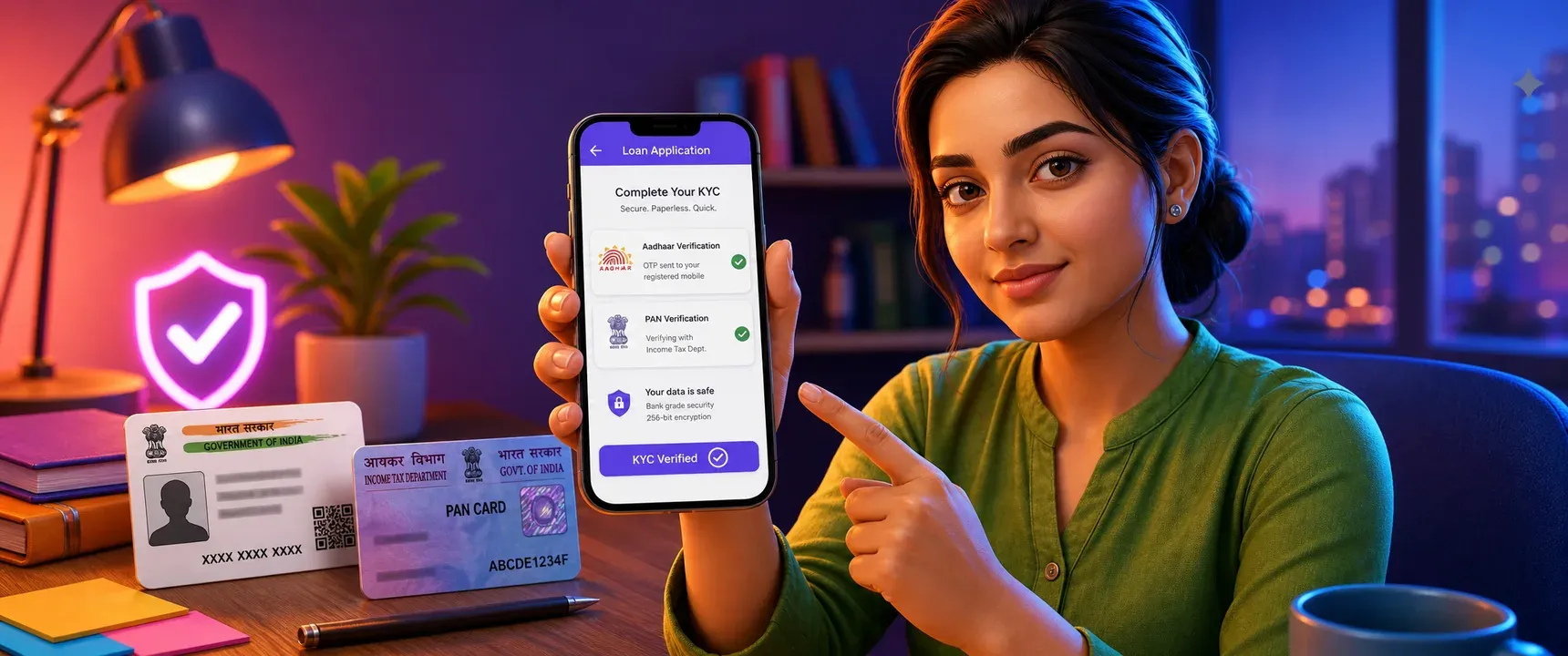
Table of content
Overview
Why Aadhaar and PAN matter
5 mistakes to avoid
What safe digital KYC looks like
Quick checklist before uploading
FAQs
Every loan app in India asks for your Aadhaar and PAN before it can process a single rupee. That makes these two documents the keys to your financial identity. Sharing them carelessly with the wrong platform can lead to unauthorized credit inquiries, identity theft, or worse. mPokket encourages borrowers to treat document sharing as a deliberate, informed step rather than a rushed formality.
Follow our Whatsapp Community for more offers and updates.
Join nowAadhaar is your 12 digit unique identity number issued by UIDAI. PAN is your permanent account number issued by the Income Tax Department. Together, they let a lender verify your identity, check your tax status, and pull your credit report.
When you share these with a legitimate digital lender, the process is regulated. The lender must follow RBI digital lending guidelines, obtain explicit consent, and disclose the purpose of data collection. When you share them with an unverified source, none of those protections apply.
Every legitimate loan app in India must operate through or partner with an RBI registered NBFC. Before you upload any document, search for the lender's name on the RBI website. If the app or its lending partner does not appear in the RBI's list of registered NBFCs, do not proceed. mPokket, for example, operates as a registered NBFC, which means its lending practices are subject to regulatory oversight.
Some borrowers send Aadhaar or PAN images over WhatsApp, email, or social media to agents who claim to speed up approval. This is a serious mistake. Legitimate lenders like mPokket never ask for documents through messaging platforms. All uploads happen inside the app through a secure, encrypted channel with OTP based verification.
When you install a loan app, it may request access to your camera, contacts, storage, or location. A trustworthy app asks only for permissions relevant to the loan process, such as camera access for document scanning. If an app demands access to your entire contact list or SMS inbox without a clear reason, treat that as a warning sign. Review permissions before you grant them.
RBI digital lending guidelines require lenders to present a Key Fact Statement before disbursal. This document lists the loan amount, interest rate, tenure, total repayment, and processing fees. Many borrowers tap through consent screens without reading them. That consent authorizes the lender to access your credit report and process your data. Read every line. If the terms seem unclear or the interest rate is not disclosed upfront, stop the application.
Each loan application can trigger a hard inquiry on your credit report. Submitting your Aadhaar and PAN to five or six random apps in a single day can lower your credit score and flood your data across multiple databases. Choose one or two verified platforms. mPokket is designed to offer a paperless, OTP based digital KYC process that can help minimize unnecessary document exposure.
A secure loan app follows a predictable pattern. You download the app from an official store, register with your mobile number, and complete profile details. The app then asks you to enter your Aadhaar number for OTP based verification through UIDAI. PAN details are verified against the Income Tax Department database. No physical copies are needed. No agent calls you asking for photos of your documents.
mPokket follows this approach. The entire application, from document upload to approval, happens inside the app. Borrowers can expect a transparent process where the lender's identity, loan terms, and data usage policies are visible before any document is shared.
Before you share your Aadhaar and PAN with any loan app, run through these checks. Confirm the app's lending partner is an RBI registered NBFC. Verify the app is downloaded from Google Play Store or Apple App Store. Check that document upload happens inside the app, not through a third party link. Read the Key Fact Statement and consent disclosures. Ensure OTP based verification is used for Aadhaar. Review app permissions and revoke any that seem excessive.
Taking these steps can help protect your identity and credit profile. Platforms like mPokket are built around digital KYC with PAN and Aadhaar verification, aiming to make the process both fast and transparent for first time borrowers, salaried employees, and self employed professionals alike.
Most digital lenders in India require your Aadhaar card and PAN card for KYC verification. Some may also ask for a bank statement or proof of income. mPokket uses a paperless process where Aadhaar and PAN are verified digitally through OTP based KYC inside the app.
Yes, many loan apps in India allow you to apply using only your Aadhaar and PAN card for identity verification. mPokket uses OTP based Aadhaar verification and PAN validation to complete digital KYC without requiring physical document copies or a branch visit.
It can be safe if the app operates through an RBI registered NBFC, uses encrypted in app uploads, and verifies Aadhaar through OTP. Always check the lender's registration status before sharing any documents. Never send documents through WhatsApp or email to unknown agents.
Visit the Reserve Bank of India website and search the list of registered NBFCs. The loan app should clearly name its lending partner on its website or inside the app. If you cannot find the lender's name in the RBI database, avoid sharing your documents with that platform.
How Does Applying for a Personal Loan Affect Your Credit Score?
2 min read • 24 August 2026
What Are the Most Common Business Loan Myths Holding Entrepreneurs Back?
3 min read • 19 August 2026
Tips to Improve Your Credit Score Before Applying for a Business Loan
3 min read • 30 July 2026