4 min read • 19 July 2026


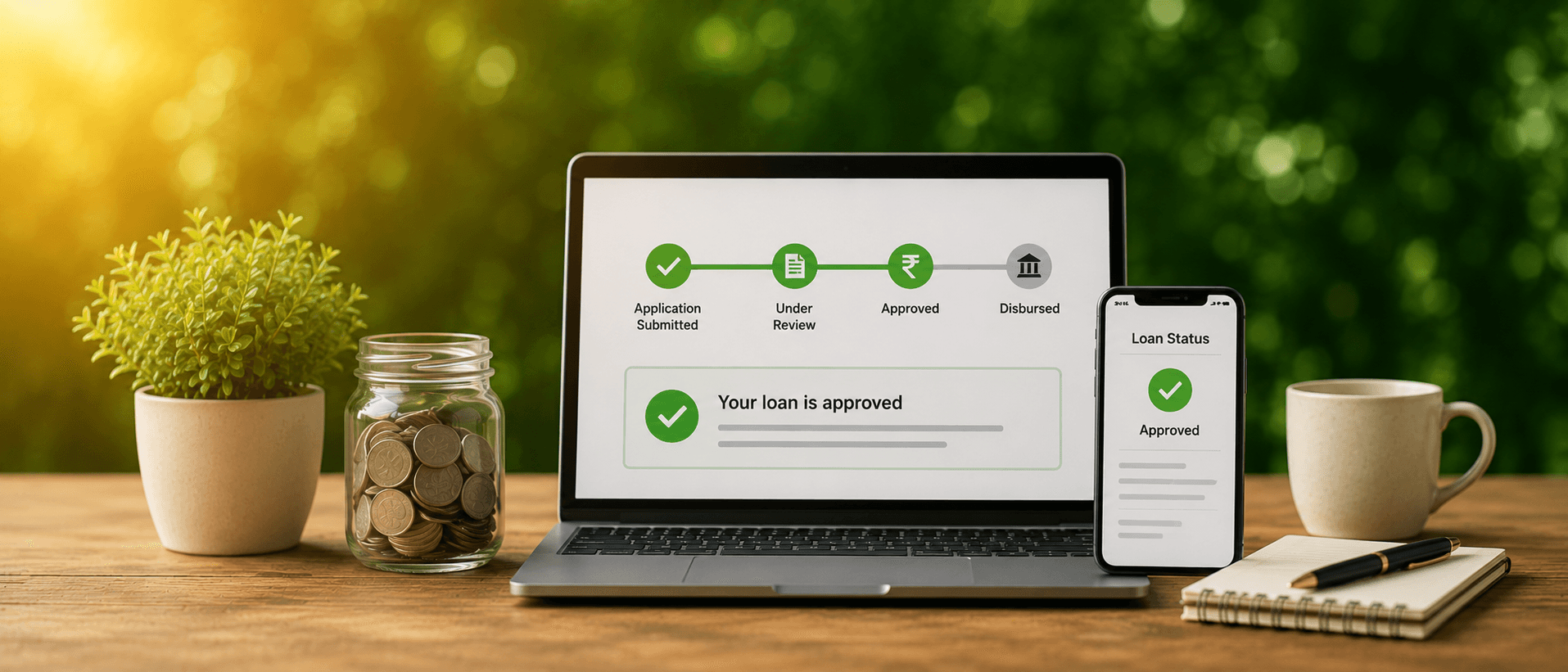
Table of content
Track Your Loan Application in Just a Few Clicks.
How to Check Loan Status Online?
What Are the Steps to Track Loan Application Status?
What are the different Ways to Check Loan Status Online?
Why Do Timely Loan Status Checks Matter?
Which Instant Personal Loan Services Give Fast Approval?
How to Check Personal Loan Status: Quick Recap
Wrapping Up
Frequently Asked Questions
Applied for a loan and now refreshes your phone every hour, waiting for some kind of update? If you're wondering how to check loan status online, the good news is it usually takes less than two minutes, no branch visit, and no waiting on hold.
Most lenders today, mPokket included, let you check loan status online straight from their app or website. All you typically need is your application number or the mobile number you used while applying. Punch that in, and you'll see exactly where things stand, whether it's under review, approved, or waiting on one last document.
Say you applied for an instant loan on a Friday evening. By Saturday morning, you want to know if it's come through. Instead of calling customer care and sitting through music, you'd just open the app, tap on your application, and there's your answer, right there on the screen.
This guide walks you through exactly how to track loan application status, the different ways to do it, and what each status update actually means for you.
Follow our Whatsapp Community for more offers and updates.
Join nowChecking your loan status online is usually a three-step process: log into the lender's app or portal, enter your application details, and view your current status instantly.
It sounds almost too simple, but that's really the point: lenders have streamlined this because manual status checks used to eat up hours for both borrowers and support teams. Honestly, the whole process contains minimal steps, nothing complicated:
Most platforms will ask for your application reference number, your registered mobile number, or your PAN. Keep these somewhere you can grab quickly; digging through old emails mid-check gets old fast.
Want to track loan application status without any guesswork? Just have your application ID or registered contact details ready before you even log in.
Here's roughly how it plays out across most lending platforms:
You'll run into labels like "Under Review," "Approved," "Disbursed," or "Rejected" along the way. Each one tells you exactly where things stand and whether the ball's in your court.
Turns out, there's more than one way to check loan status online. Which method works best really just comes down to what's convenient for you at the moment.
With mPokket, checking your loan status online takes just a few taps, like logging in and heading to your dashboard, and your current application status shows up instantly.
Some lenders, mPokket included, send SMS or push notifications automatically, so you're not always required to actively log in just to know where your application stands.
Checking your loan status online regularly helps you catch pending document requests early, before delays start piling up on your application.
A lot of applications don't get rejected outright; they just sit stuck because a document wasn't uploaded or a detail needs correcting. Stay on top of it, and here's what you actually gain:
If speed's what you're after, apps like mPokket, along with a handful of other digital lenders, typically approve personal loans within minutes to a few hours, way faster than the days traditional banks usually take.
What actually makes the difference isn't just the lender's name; it's how they process your application. Digital-first lenders skip a lot of the manual paperwork banks still rely on, and that alone shaves off most of the wait.
If you're specifically looking to do a personal loan status check, the process barely differs from checking any other loan type, like log in, pull up your application, and view the update.
Whether it's a personal loan, a business loan, or a working capital loan, most digital lenders use the same basic framework for status tracking.
The consistency actually works in your favor, once you've done it for one loan type, you pretty much know the drill for the rest.
Knowing how to check loan status online isn't just convenient; it genuinely saves you from the back-and-forth of calls and branch visits that used to eat up an entire afternoon. A quick login, a few taps, and you've got your answer.
If you're waiting on an application or thinking about applying for an instant loan, mPokket makes the entire journey simple, from application to status tracking to disbursal. Apply for an instant loan with mPokket today, up to ₹2 lakh, even without a perfect CIBIL score or traditional income proof.
1. Can I check my personal loan status if I don't have internet access?
Yes. Absolutely. Though the entire loan application process is digital, if you don’t have access to the internet, you can contact customer support of the lenders. Provide them your application details over the phone or email them, and get an update via sms, email, or immediately over the phone.
2. What details are required to check my personal loan application status?
mPokket usually asks for an application reference number, registered mobile number, or PAN details to share your application status. However, other digital lenders can require some other details also, depending on their internal policy.
3. What should I do if my loan application status shows 'Pending'?
Most of the time, 'Pending' just means something's incomplete on the document or verification side, nothing to panic about. Log into the app or portal and see if there's anything sitting in your court, or give customer support a quick call if you'd rather just ask directly.
4. How will I know if my loan has been approved?
You'll usually find out through an SMS, email, or app notification; lenders tend to ping you the second approval comes through. Or if you're the type who'd rather check yourself, just pull up your loan status online through the app or website whenever you feel like it.
What Documents Are Actually Needed for Digital Loans
5 min read • 7 May 2026
What Determines Your Personal Loan Eligibility? 5 Key Factors Explained
6 min read • 9 July 2026
Why Same-Day Loan Disbursal Apps Are Worth Considering in 2026
2 min read • 14 May 2026